Scan to BIM / Scan to CAD
Scan to BIM / Scan to CAD
Point-cloud conversion into coordinated CAD drawings and BIM-ready information.
Accurate information for confident project decisions.
A point cloud is raw measurement. Scan to CAD and Scan to BIM turn it into drawings and models that design teams can actually work in.
GeoSurv focuses on producing clear, usable survey information that integrates with the workflows of engineers, architects, contractors and project teams.
What is the difference between scan to CAD and scan to BIM?
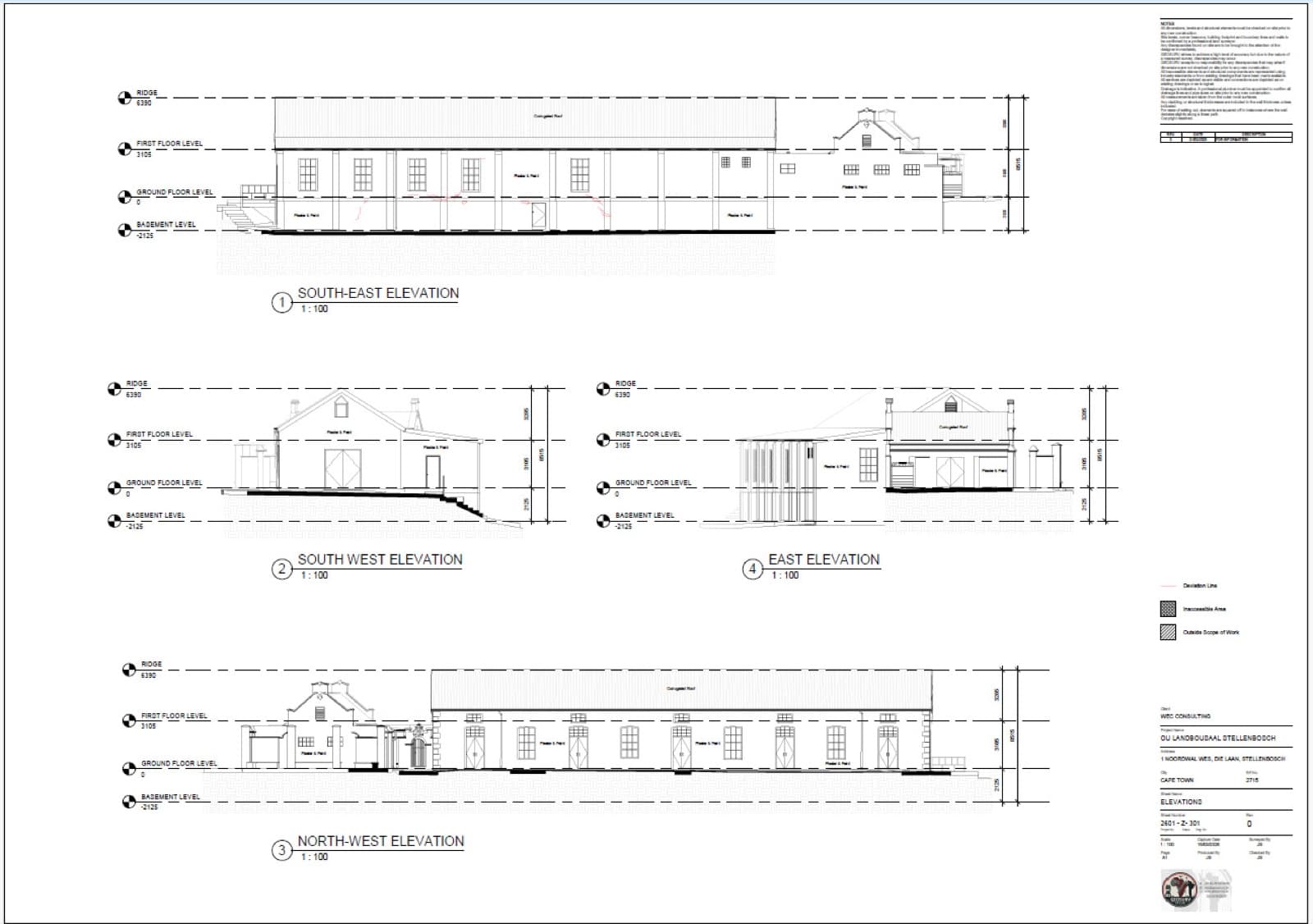
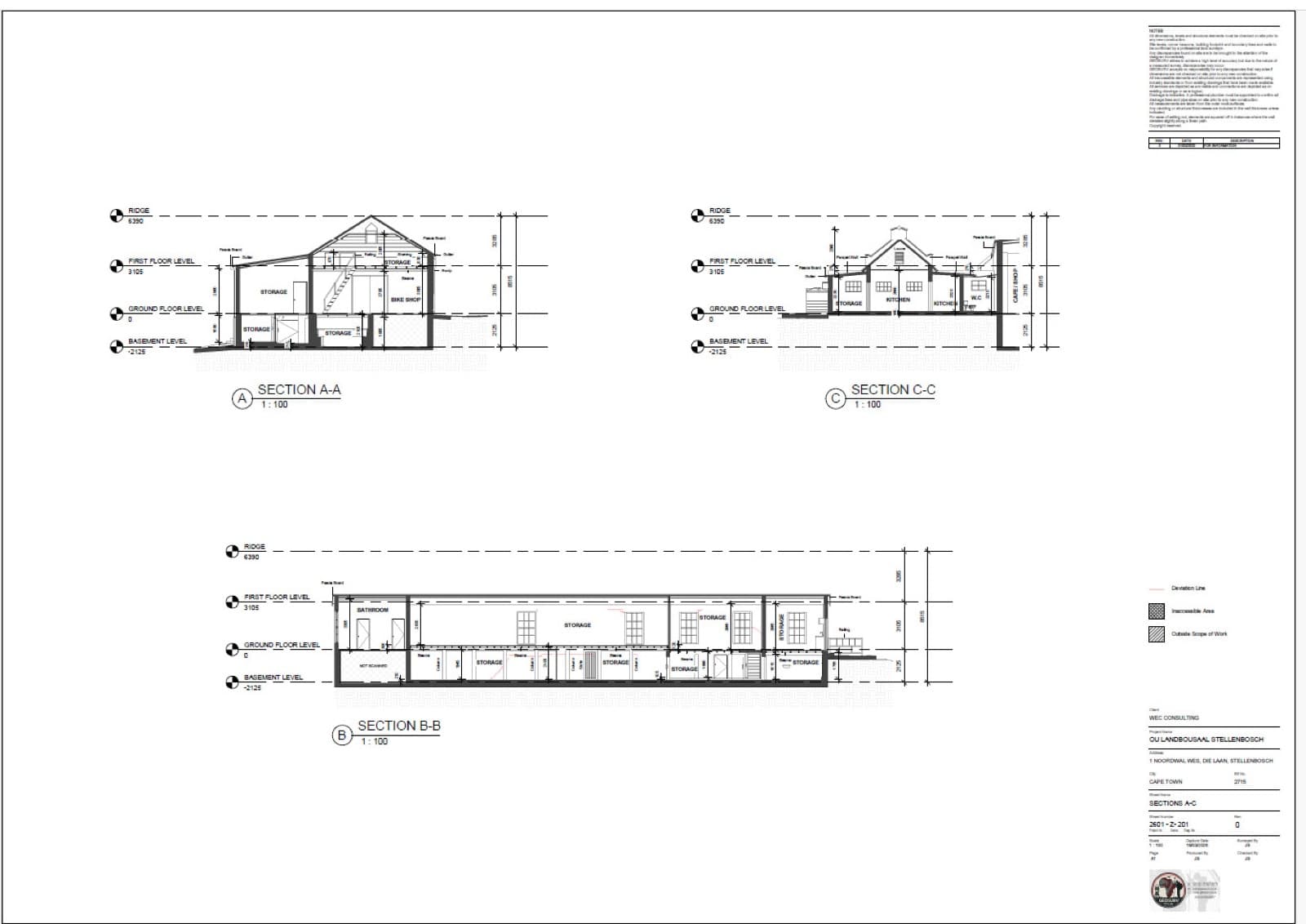
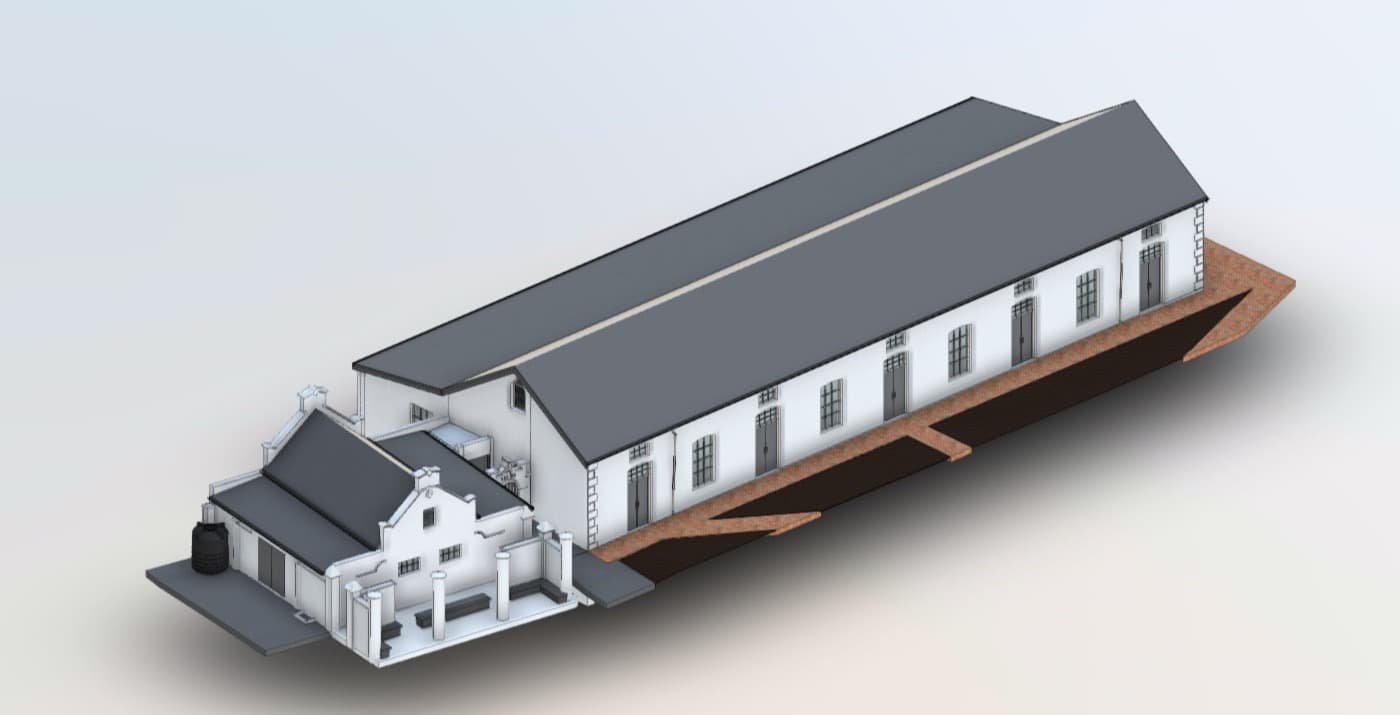
Scan to CAD extracts 2D drawings — plans, sections and elevations — from a point cloud. Scan to BIM builds a coordinated 3D model of existing conditions for use in a BIM workflow.
Typical deliverables
- Point-cloud interpretation
- 2D CAD extraction
- 3D BIM modelling support
- Existing-condition documentation
- Coordination-ready outputs
Project-specific approach
Survey methodology, control, accuracy requirements and output formats are selected to suit the project scope. Send through drawings, site information or the deliverables you need, and we will define the appropriate survey approach.
Request a quoteRelated projects
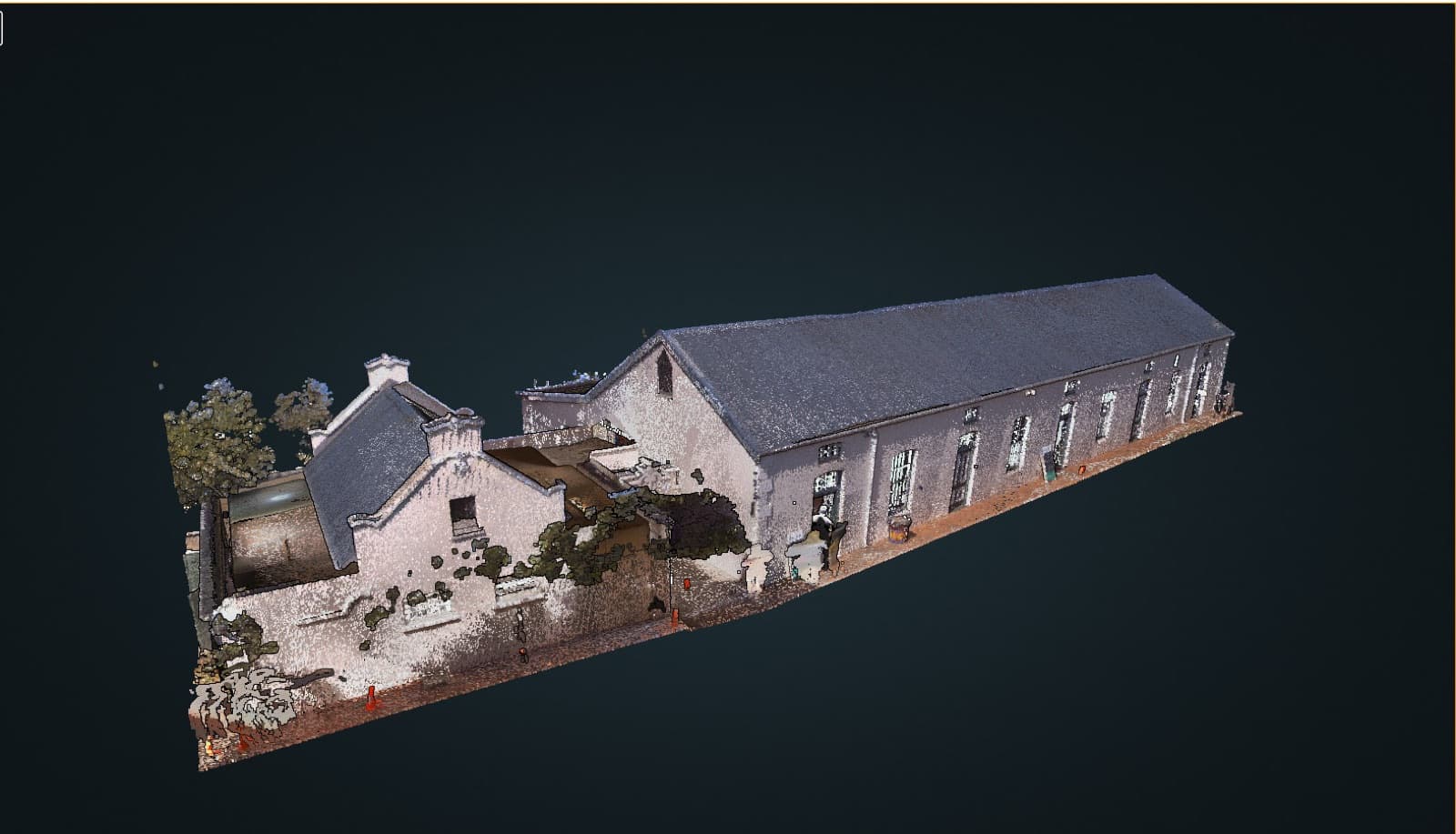
Heritage
Ou Landbousaal, Stellenbosch
3D laser scan of the exterior and interior of the historic hall, registered and modelled in Revit to produce a complete set of plans, sections and elevations.
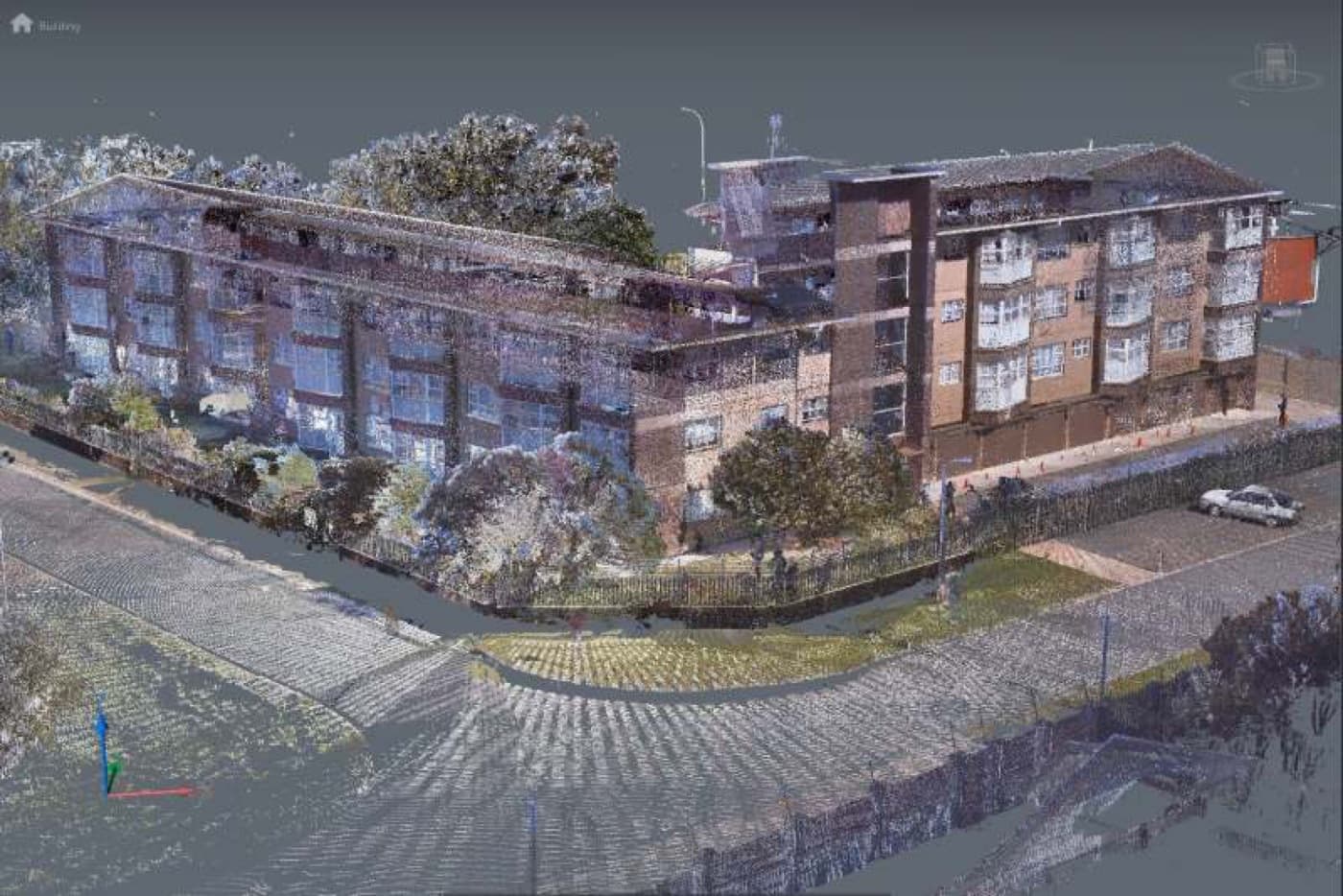
Residential
Marykehof Apartments, Strand
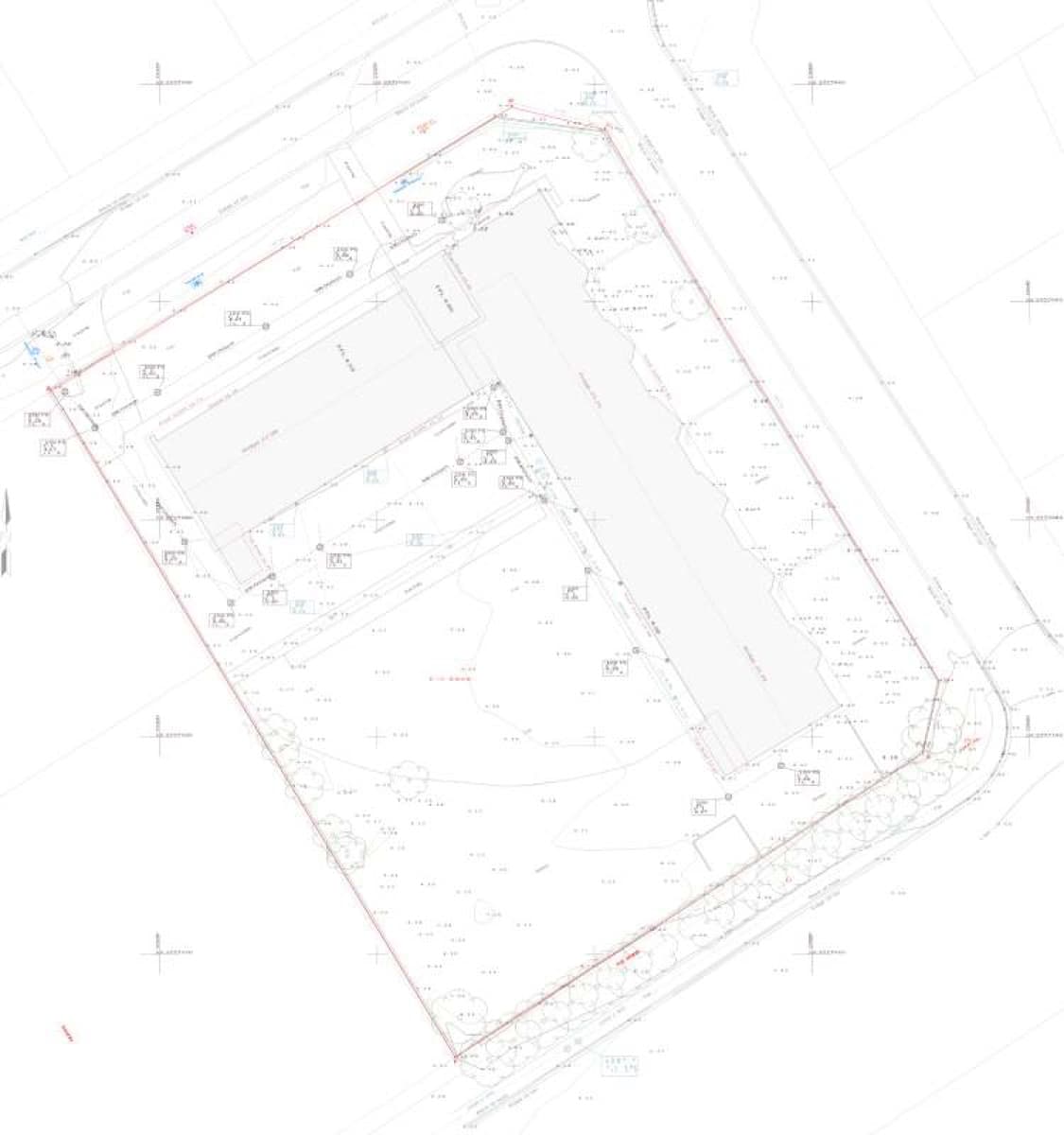
Topographical and detail survey for engineering purposes, plus a 3D scan of the entire building inside and out — delivered as a Revit model with a full set of plans, sections and elevations.